Our services

Training for every stage of learning.

An overview of the training and educational services we provide. All services focus on teaching the use of accounting software.

Overview

Our services cover the full range of everyday software tasks. Select a topic to read the detailed description.

Learners seated in a training room following a session
01 / 06

Structured Training Courses

Our courses follow a clear sequence, so each lesson builds on the one before it. Learners start with set-up and core concepts and progress towards complete workflows, working at a pace that suits beginners and experienced users alike.

  • A defined learning path from fundamentals to complete workflows
  • Lessons grouped into modules with clear learning objectives
  • Exercises at the end of each module to consolidate skills
  • Suitable for individuals and business professionals
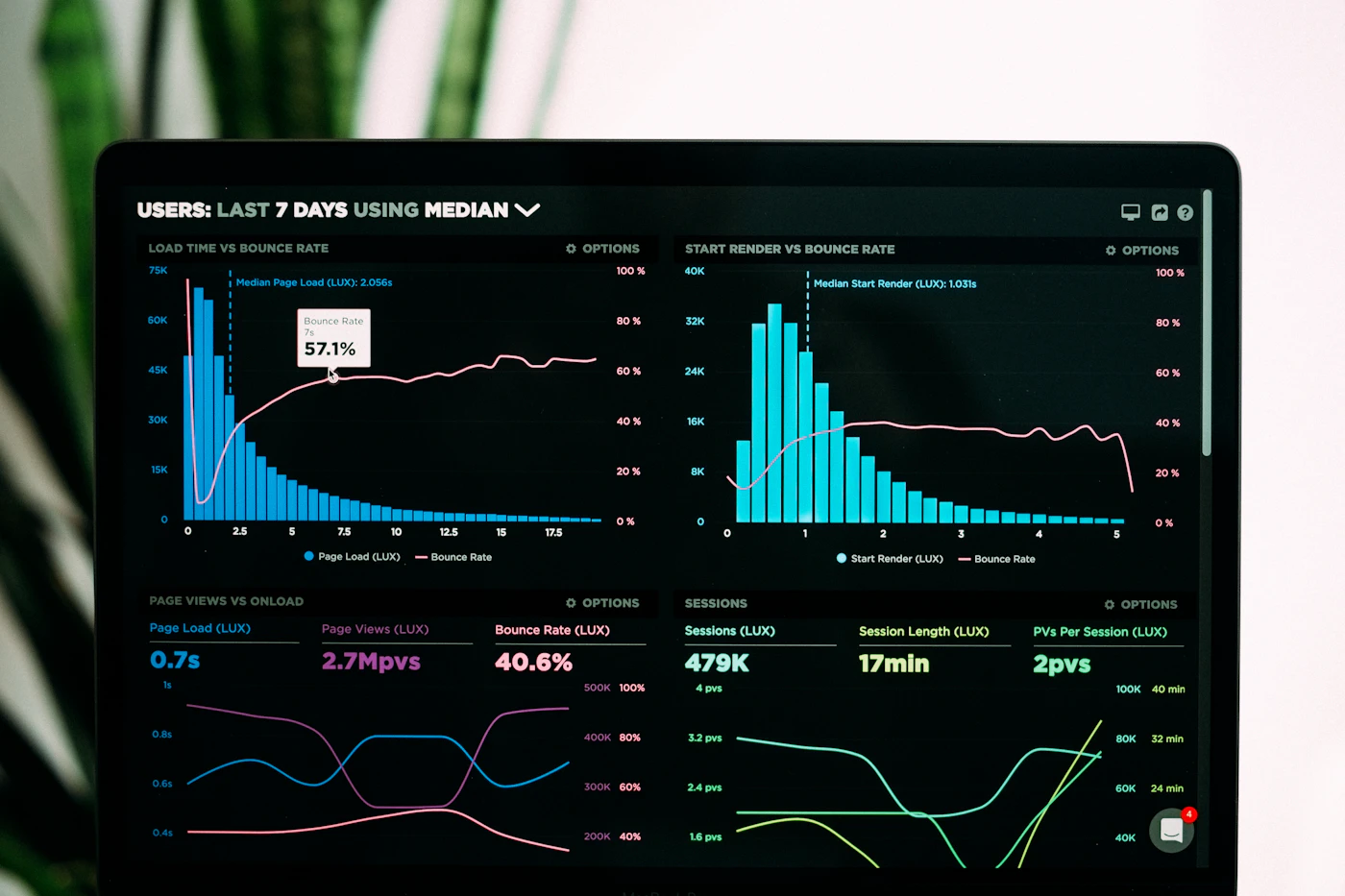
Laptop screen showing charts and a software dashboard
02 / 06

Practical Software Tutorials

Tutorials concentrate on single, practical tasks. Each one explains where to find the relevant screen, which fields matter and how to finish the task correctly, helping learners navigate menus, dashboards and settings without guesswork.

  • Interface navigation: menus, dashboards, search and settings
  • Short, task-based walkthroughs you can repeat
  • Tips for working faster and avoiding common mistakes
  • Useful as a refresher after completing a course
Hands working with a calculator and paperwork on a desk
03 / 06

Data Entry Exercises

Exercises use prepared sample data rather than anyone's actual business records. Learners practise entering and correcting information, working with lists and records, and checking their own work, so accurate habits are formed in a safe environment.

  • Practice with prepared sample data only
  • Entering, editing and correcting records
  • Building accuracy and consistent working habits
  • Self-check steps to review your own entries
Person reviewing and signing printed documents
04 / 06

Document Processing Training

This training explains how the software handles documents such as invoices and receipts. Learners see how documents are created, attached, organised and located again later, using sample documents for every exercise.

  • Creating and attaching documents within the software
  • Organising, labelling and searching for documents
  • Understanding how documents connect to records
  • All exercises use sample documents
Screen displaying analytical charts and report data
05 / 06

Report Generation Demonstrations

Demonstrations walk through the reporting features of accounting software step by step. Learners see how to choose a report, set periods and filters, adjust the layout and export the result, then repeat the process themselves with sample data.

  • Selecting and running standard reports
  • Setting date ranges, filters and layout options
  • Exporting and saving reports
  • Follow-along practice after each demonstration
Open notebook with handwritten notes beside a laptop
06 / 06

Educational Resources

Educational resources help learners revise and look things up on their own. They are designed to accompany our courses and tutorials and to make it easier to keep practising after a training session has finished.

  • Step-by-step reference guides
  • Glossaries of common software terms
  • Practice checklists for revision
  • Material that complements courses and tutorials

Key benefits

What learners gain from training with gologlos.

Confidence in daily use

Know where to find each function and how to complete tasks without hesitation.

Greater accuracy

Repeated practice with sample data helps reduce entry errors and rework.

A safe place to learn

Exercises never use real business records, so learners can experiment freely.

A clear learning path

Structured modules show what to learn next and how each skill fits together.

Support between sessions

Educational resources make it easier to revise and keep practising.

Training that fits

Combine topics to match your experience level and the tasks you need to master.

Our services are educational only. We do not perform accounting, bookkeeping or tax services, and our training is not a substitute for professional advice.

Not sure where to start?

Tell us about your experience and goals, and we will suggest a suitable starting point.

Request a consultation