
01
Structured Training Courses
Step-by-step courses that take learners from first login to confident everyday use of accounting software.
Accounting software training & professional education
Accounting software education
 Explore our training
gologlos teaches individuals and business professionals how to use accounting software, through structured courses, practical tutorials and hands-on exercises.
Our focus
We help learners understand how accounting software is organised and how to use it accurately: navigating the interface, entering data, processing documents and generating reports. Every session is built around practice, using sample data so that learners can make mistakes safely and build lasting habits.
gologlos is a training provider. We teach people how to use software; we do not keep books, prepare tax returns or perform any accounting services on behalf of clients.
Six areas of training, each centred on practical software skills. Choose a single topic or combine several into a learning path that fits your needs.
Step-by-step courses that take learners from first login to confident everyday use of accounting software.

Focused, task-based tutorials that show exactly how to complete common jobs inside the software, including confident interface navigation.

Hands-on practice with realistic sample data, so learners build accuracy and speed before working with real records.

Learn how documents move through accounting software, from creation and import to filing and retrieval.
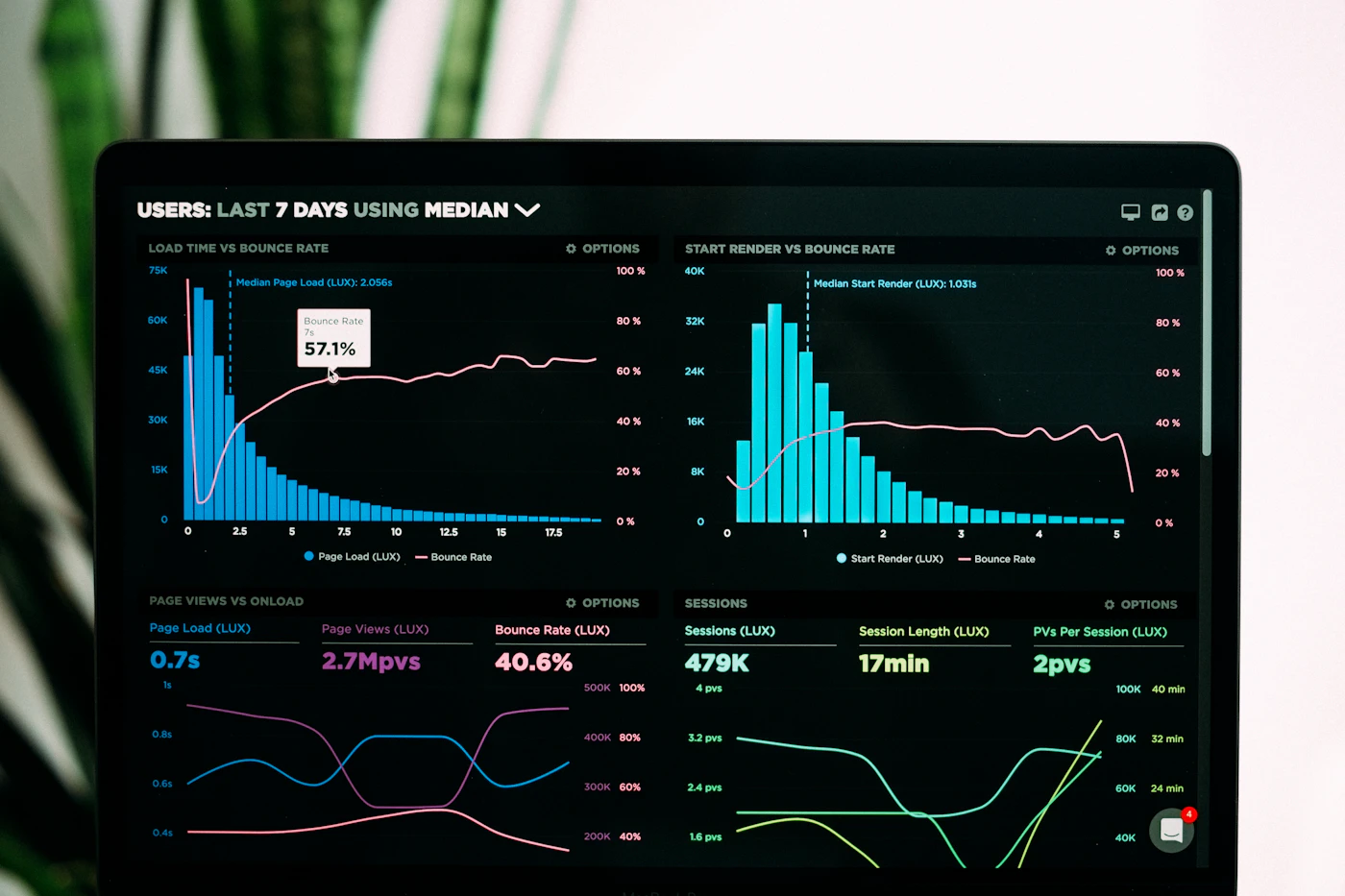
Guided demonstrations showing how standard reports are produced, filtered, customised and exported.

Reference material that supports learning between sessions, from glossaries to step-by-step guides.
Our training follows the way people actually use accounting software day to day, moving from orientation to independent practice.
Get to know the interface: menus, dashboards, settings and where everything lives.
Work through data entry exercises with sample records to build accuracy.
Process documents and follow complete workflows from start to finish.
Generate, filter and export reports, and check your own work.

Who we teach
Tell us what you would like to learn and we will help you choose the right combination of courses, tutorials and exercises.
Request a consultation